
How to Use TSA Touchless ID to Breeze Through Airport Security Lines
If you’ve ever stood in a crowded security line, clutching your boarding pass and ID while trying not to drop your coffee, you know the exact frustration of the traditional manual check.
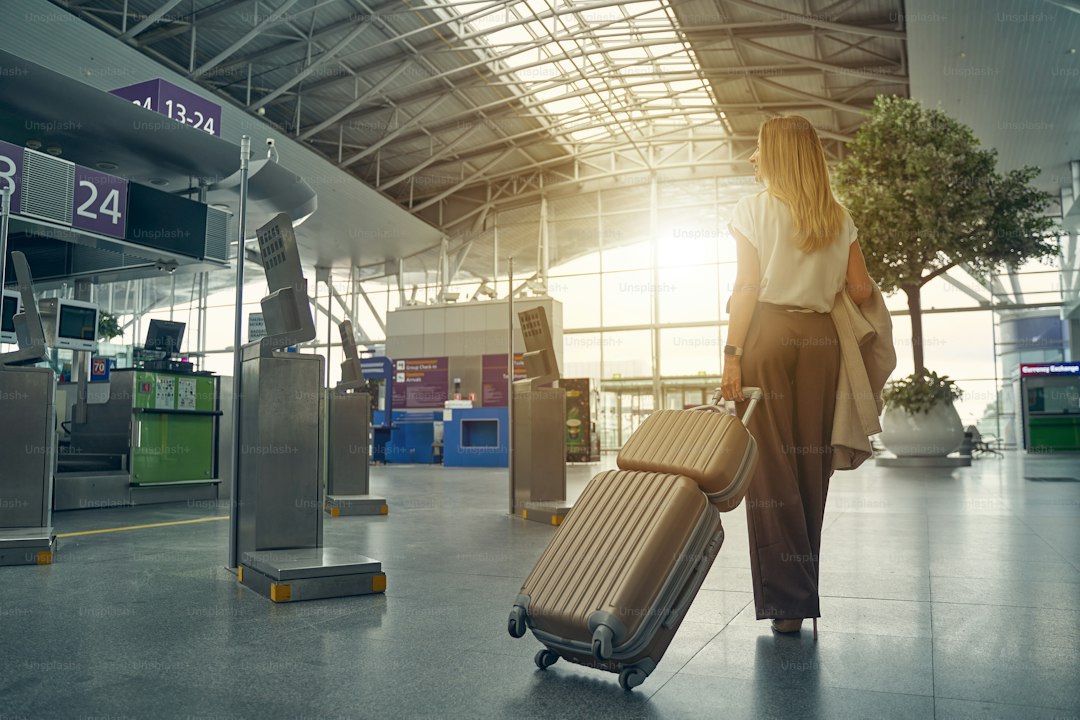
Understanding TSA PreCheck Touchless ID: How the Technology Works
If you’ve ever stood in a crowded security line, clutching your boarding pass and ID while trying not to drop your coffee, you know the exact frustration of the traditional manual check. It’s a repetitive, high-touch dance that’s been the standard for decades, but it’s finally evolving into something much more seamless. Let’s dive into how TSA PreCheck Touchless ID is changing that by using facial recognition to verify who you are without the constant shuffle of plastic cards or paper. Basically, the system replaces the human-led inspection of your ID with a specialized camera at the checkpoint that takes a live photo of you. This live image is then instantly compared to the encrypted biometric template already stored in the secure database associated with your traveler profile.
The beauty of this, if we’re being honest, is how much time it strips away from the process. Because the system automates identity proofing, these checkpoints are designed to process a passenger in about 30 seconds, which is a massive win when you’re rushing to make a flight. I’ve noticed that while the tech is sophisticated, it’s really built for reliability; the cameras are calibrated to handle all sorts of tricky airport lighting so the system doesn't get tripped up by shadows or glare. And for those worried about the "Big Brother" aspect, it’s worth noting that the biometric templates are purged from the system once the verification is finished, rather than sitting around indefinitely.
But what if you’re just not comfortable with it? It’s important to remember that this isn't a mandatory shift; you can always opt to present your physical documents to a TSA officer if that feels better to you. The program is currently a collaborative effort between the TSA and various airlines to standardize the hardware across major hubs, essentially creating a faster lane without needing a total overhaul of the airport’s physical footprint. It’s a high-signal, high-efficiency upgrade that relies on secure, encrypted infrastructure to keep your data moving safely from the camera to the verification server. At the end of the day, it’s just a smarter way to handle the bottleneck that’s existed at the front of the security line for far too long.
Step-by-Step Guide: How to Enroll and Enable Touchless ID
If you’re ready to stop fumbling with your wallet and passport while juggling a carry-on, getting set up with Touchless ID is honestly a game-changer. You might assume it requires a separate, lengthy application, but here’s the reality: if you already have TSA PreCheck, you’re basically halfway there. You don’t need to fill out new government forms or pay additional fees since this is fully integrated into the existing Known Traveler Number framework you’re likely already using. It’s a classic case of the system working for you rather than against you, provided you know where to look.
To get started, you’ll want to check your airline’s mobile app or their check-in portal when you’re booking your next flight, as that’s usually where the opt-in prompt lives. Think of it like enabling a digital wallet feature; you’re just granting the TSA permission to verify your face against the secure biometric template already attached to your traveler profile. Once you toggle that setting on for your reservation, the high-resolution cameras at the checkpoint—which are designed to account for glasses or minor changes in your appearance—will do the heavy lifting for you. It’s pretty slick how the system maps those specific facial nodal points in real-time, effectively replacing the old-school manual check with a quick glance.
And don’t sweat the privacy side of things, because I’ve spent a lot of time looking into the protocols, and the data handling is actually quite disciplined. The captured image is strictly for that instant identity verification and isn’t tucked away for surveillance or some massive database of faces. Even if the system has a glitch—maybe due to harsh lighting or a weird shadow—you aren't stuck; a TSA officer will just pivot to a manual check, so your travel plans won't get derailed. It’s an optional, high-efficiency upgrade that keeps your transit moving, and honestly, once you breeze through the document check without digging for your ID, you’ll probably never want to go back to the old way.
Mapping the Network: Which Airports Currently Offer Touchless ID Lanes
When you’re mapping out your next trip, it’s worth noting that this tech isn't everywhere yet, and where it does exist, it’s often tied to specific carriers. You’ll find these touchless lanes currently rolling out in a strategic, tiered fashion, prioritizing major hubs like JFK, LGA, and EWR to handle the highest volume of passengers possible. It’s not a uniform rollout across the entire U.S. network, so you really can’t assume every checkpoint will have that fancy camera setup. Smaller, regional airports like PBI are also jumping on board, but I’ve found that checking your specific departure gate’s status on your airline’s app before heading to the terminal is the only way to be sure. It’s kind of a patchwork landscape right now, and honestly, the availability can shift based on whether your airline has fully integrated their passenger manifest systems with the TSA’s biometric backend at that specific location.
Think about it this way: the system relies on a secure handshake between your digital reservation and the airport’s hardware, so if that connection isn't active, the lane just won't be in play. I’ve noticed that while the rollout is accelerating, it’s mostly concentrated where the TSA can capture the most people at once. You might breeze through in Atlanta or Chicago today, only to find yourself back in the standard document-check line at a smaller regional airport tomorrow. It’s definitely not a "set it and forget it" situation for your travel routine yet. I really recommend keeping your physical ID handy regardless of where you're flying, just because the tech is still in that transitionary growth phase.
If you’re wondering why your home airport might be lagging, it usually comes down to the logistics of retrofitting those high-resolution cameras into existing, often cramped, security checkpoints. The TSA has to balance that hardware installation with the need to keep lines moving, which is why you see the biggest hubs getting priority. It’s an iterative process, and honestly, we’re likely to see a massive expansion as the agency collects more data on how these lanes handle peak holiday travel. For now, it’s a brilliant, if slightly hit-or-miss, perk that’s worth looking out for if you’re trying to shave those precious minutes off your airport experience. Just don’t get frustrated if you don't see it everywhere quite yet; the network is growing, but it’s still definitely a work in progress.
The Benefits of Going Biometric: Saving Time at Security Checkpoints
Let’s dive into why this shift toward biometric verification is more than just a fancy tech upgrade—it’s a fundamental change to how we move through airports. You know that moment when you’re fumbling for your license and boarding pass while trying to keep your carry-on from tipping over? Biometric systems effectively kill that entire dance by using facial recognition to identify you in about 30 seconds. It’s not just about convenience; it’s about math. These systems use algorithms that track your unique facial nodal points, which are far more consistent than a human officer’s tired eyes glancing at a photo ID after a ten-hour shift.
Think about it this way: because the cameras use infrared sensors, they’re actually better than our eyes in those dim, awkward spots of the security queue. They’re built to isolate you from the background noise of other travelers, meaning you don’t have to worry about the system getting confused by someone walking behind you. The system is also surprisingly robust against attempts at deception, thanks to "liveness detection" that can tell the difference between a real person and a high-resolution photo or digital mask. It’s pretty wild to realize that we’re moving away from physical documents that are prone to wear and tear toward a secure, one-time-use digital hash that verifies who you are in milliseconds.
The real-world impact is a noticeable jump in how many people get through a checkpoint in an hour—we’re talking about a potential thirty percent increase in throughput during the morning rush. By removing the manual scan, you aren't just saving yourself those precious minutes of digging through your bag; you’re helping keep the entire line moving smoothly. It’s a cleaner, more efficient loop that cuts out the physical touchpoints entirely, which, let’s be real, is a nice bonus in a crowded terminal. At the end of the day, it’s a smarter way to manage the bottleneck that has been the biggest pain point in travel for as long as we’ve been flying.
Privacy and Security: Addressing Common Concerns About Facial Recognition
Let’s pause for a moment and really talk about the privacy side of things, because if you’re anything like me, the idea of a camera scanning your face in a security line feels like a leap into a digital void. It’s natural to be cautious, but I think it helps to look at exactly how this tech is built compared to the grainy, invasive surveillance we see in movies. Modern facial recognition doesn't actually store a photo of your face; instead, it uses mathematical vector mapping to turn your features into an abstract string of data that’s essentially useless to anyone else. It’s like turning a high-res portrait into a complex, indecipherable code that only exists for that one specific, fleeting moment of verification. The system is designed to use edge computing, meaning the processing happens right there on the camera hardware itself rather than sending your personal data off to some massive, vulnerable central server.
And when you consider the security protocols, there’s a lot of engineering at play to ensure you aren't just another face in a database. These systems rely on infrared imaging and 3D spatial mapping to ignore background noise, which honestly makes them far more accurate and less prone to the "false positives" that plague older, simpler tech. Because the system uses advanced liveness detection to spot micro-movements like skin texture shifts or eye twitches, it’s remarkably good at telling the difference between a real person and a digital mask or photo. I’ve found that the data minimization approach is the real secret sauce here; the system only pulls the specific points it needs to confirm your identity and then immediately purges the rest of that environmental data. It’s essentially a "read and discard" cycle that doesn't leave your biometric footprint lingering on a hard drive somewhere.
But look, even with all that, the most reassuring part is that the entire infrastructure lives on a private, isolated network that’s completely cut off from the public internet. This physical and logical separation makes it incredibly difficult for anyone to intercept or tamper with the stream while you’re walking through that checkpoint. Plus, the system is cryptographically signed for every single transaction, meaning that even if someone managed to sniff out the data, it wouldn't be valid for anything other than that specific, time-sensitive airport check. It’s a massive step up from carrying a physical ID that’s easily lost, stolen, or forged. At the end of the day, you’re trading a clunky, manual process for a system that’s designed to be temporary, isolated, and laser-focused on the singular goal of verifying who you are right when you need it most.
Tips for a Seamless Experience at the Touchless ID Checkpoint
When you're aiming for that truly frictionless walk through the checkpoint, the first thing to remember is that this system thrives on preparation before you even reach the airport. Think of it like pre-loading your digital boarding pass; you need to make sure your airline reservation is synced with your known traveler profile, as that secure handshake is what triggers the camera to recognize you in the first place. I’ve learned the hard way that if you haven't opted in through your airline’s app before arriving, the system simply won't have the data it needs to verify your identity, leaving you stuck in the standard lane. It’s a bit of a dance, but honestly, once you’ve toggled that setting on in your traveler account, it usually sticks for future bookings.
And look, don’t stress if you’re wearing your favorite travel hat or those oversized frames, because the cameras are surprisingly smart. The algorithms are built to account for standard accessories, so you don't need to strip down your gear just to get through. That said, I usually pull my sunglasses off before I step into the frame—it just helps the system lock onto those facial nodal points faster, which is the whole point of saving those few extra seconds. If the system does hesitate for a moment, don't panic; sometimes the infrared sensors are just recalibrating for the specific lighting at that terminal, and a quick, neutral expression usually gets the job done instantly.
One thing I always tell friends is to keep your physical ID tucked in your bag but still accessible, just in case. Even with the tech being as robust as it is, we’re dealing with a network that relies on real-time data handshakes between airlines and the TSA, and every so often, a temporary connectivity lag can take the touchless lane offline. It’s rare, but it happens, and having your plastic ID on standby means you won't be scrambling if the screen flashes a manual-check prompt. It’s all about maintaining that sense of calm; you’re using cutting-edge, encrypted tech designed for speed, so treat it as a brilliant backup to your traditional travel routine rather than a total replacement for your physical documents just yet.
Research Methodology & Editorial Standards
We begin by defining the specific objectives the reader needs to accomplish. Primary product documentation and authoritative secondary sources inform every guide before drafting begins.
Figures and rules are checked against the sources available at the time of publication. Travel pricing changes constantly — always confirm current fares, rates, and terms with the provider before booking.