
How to verify Vancouver waterfront hotel views and all-in totals before booking
Verification works the same way whether you are booking a seawall-facing room at a downtown Vancouver property or an inland equivalent a few blocks south of Robson.
How It Works
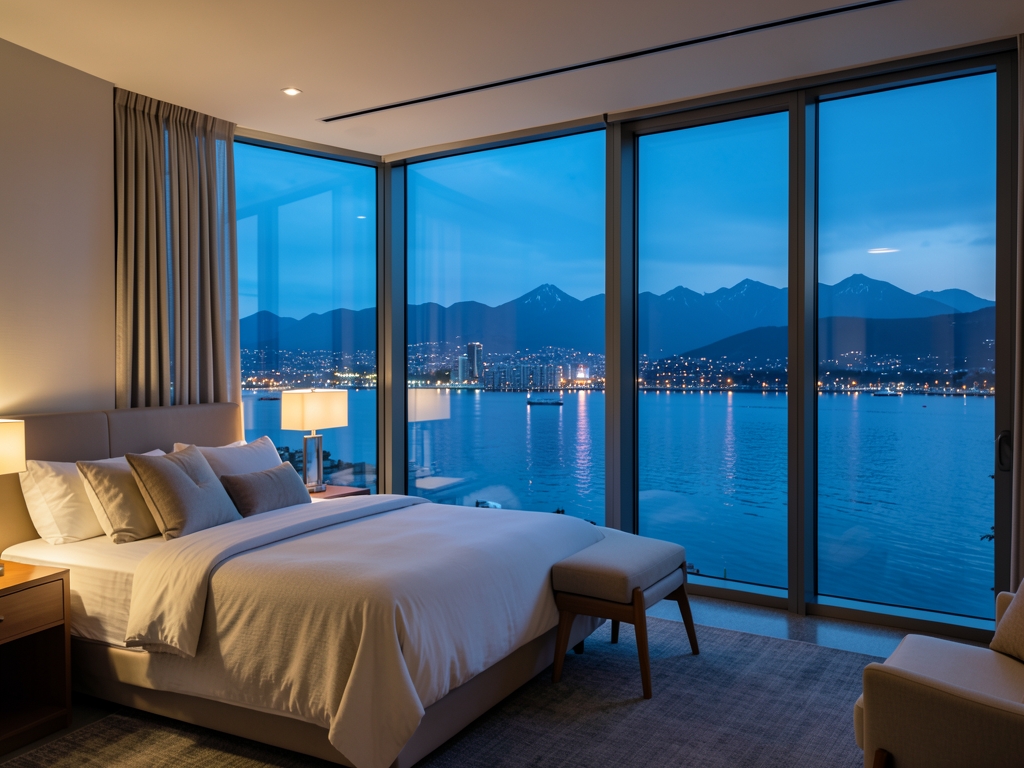
Verification works the same way whether you are booking a seawall-facing room at a downtown Vancouver property or an inland equivalent a few blocks south of Robson. You start by pulling the live, complete offer — not the marketing photo, not the "from" rate on the search results page — and you read it against the same set of terms on both sides of the comparison. The mechanism is a three-part loop: capture the full quote, normalize it to a like-for-like total, then confirm the view entitlement in writing before you commit a card. To check the view clause, open the property's own room-type page and confirm the exact category name matches the rate you are buying, then check the confirmation email repeats that same name.
Capturing the full quote means opening the property's own booking engine and the third-party listing side by side and recording four fields: the room type name exactly as the engine prints it, the nightly rate, the mandatory charges added at checkout, and the cancellation terms attached to that specific rate. A "seawall view" label on a listing page is not the same as a rate plan that guarantees it; the guarantee lives in the room-type description and the confirmation email, so screenshot both. If the engine will not show you the total before payment, treat it as an unverified option and keep looking.
Normalizing to a like-for-like total is where most comparisons quietly break. Add the nightly rate across every night of the stay, then add the mandatory charges the property applies to that rate plan, then divide by the number of nights to get a true per-night figure. Do this separately for the seawall-view room and the inland room, and label each figure as per-night or for the full stay — never mix the two. A waterfront room quoted per night and an inland room quoted for the stay will look closer or further apart than they are until you convert both to the same unit. Build the all-in total for both, night by night, including taxes, mandatory fees, and parking for the exact dates you need.
Key terms, defined plainly. Seawall view means the room's windows face the seawall and the water beyond it; a partial or city view room in the same building does not qualify, and properties sometimes sell both under similar names. Inland equivalent means a comparable room class — same bed configuration, same amenities tier — in a property set back from the water. Mandatory charges are fees the property adds to every stay on that rate plan regardless of your choices. Rate plan is the specific bookable offer, and its cancellation window and prepayment rules travel with it.
| Field to record | Seawall-view room | Inland equivalent |
|---|---|---|
| Room type as printed by the engine | Exact wording | Exact wording |
| Nightly rate | Per night | Per night |
| Mandatory charges | Added at checkout | Added at checkout |
| Cancellation terms for this rate plan | Window and prepay rule | Window and prepay rule |
| View entitlement in writing | Confirmation email | Not applicable |
Confirming the view entitlement is the last gate. Before you commit, ask the property in writing — through the booking engine's message field or a direct email — to confirm that the rate plan you selected assigns the view you are paying for, and keep the reply. If the answer is vague, downgrade the option to unverified and re-run the loop on the next candidate. The rule is simple: no written confirmation of the view, no commitment.
Key Factors to Consider
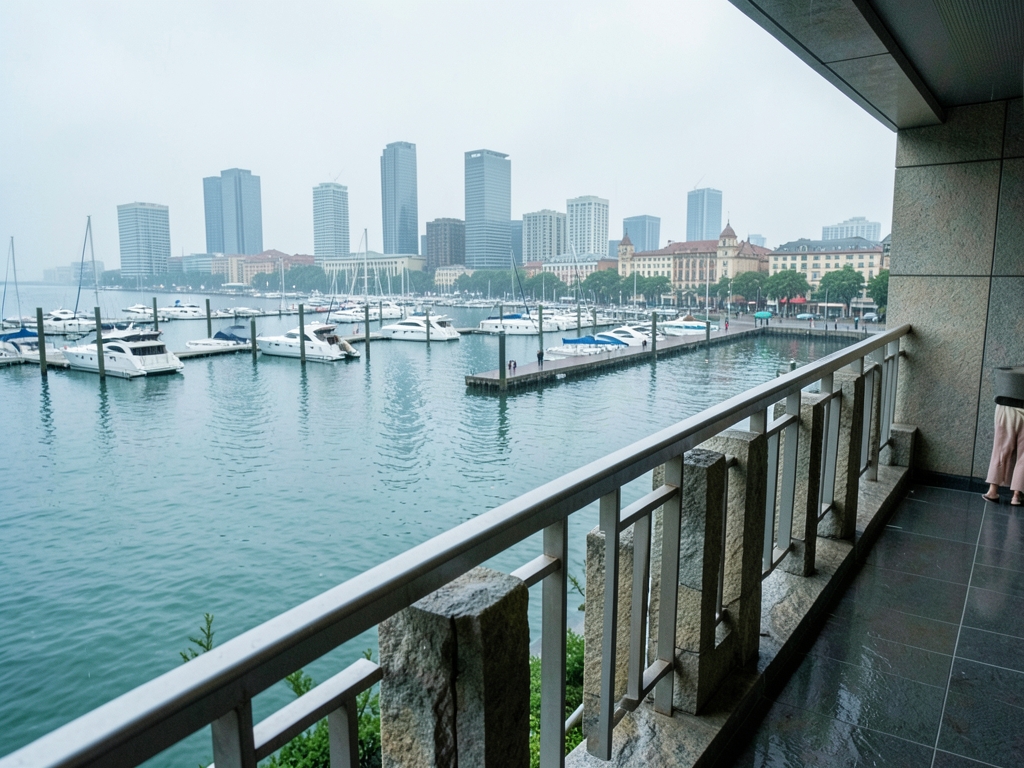
Three criteria decide almost every Vancouver waterfront booking in 2026: whether the room category is contractually tied to a water-facing view, what the all-in total is after taxes, resort fees, and parking, and whether the rate's cancellation terms match your travel dates. Treat those as a ranked checklist. If a listing cannot satisfy all three in writing before you pay, it is not a waterfront booking — it is a waterfront hope. To check the view clause, open the property's own room-type page and confirm the exact category name matches the rate you are buying, then check the confirmation email repeats that same name.
Start with the view clause. "Seawall view," "harbour view," "water view," and "partial water view" are four different products, and only the first two are worth waterfront pricing. Before committing, open the property's own room-type page and confirm the exact category name matches the rate you are buying, then check the confirmation email repeats that same name. A view described only in marketing photos, with no matching category in the booking engine, fails the test.
Then run the numbers that actually matter. Build a like-for-like total for the same dates: base rate, taxes, mandatory fees, and parking, since downtown Vancouver waterfront properties commonly charge for overnight parking while inland equivalents a few blocks south often include it or price it lower. Divide the total by nights to get a true per-night cost, and compare that figure — not the headline rate — against the inland alternative. A waterfront room only justifies its premium when the verified total stays within your budget after every mandatory charge is added. Recompute the sum yourself rather than trusting the checkout screen's "total" label, which sometimes omits fees added at the property.
Terms are the third criterion, and they are where most money is lost. Compare the cancellation window, deposit amount, and change rules side by side for the waterfront rate and the inland rate. A flexible inland rate at a lower total can beat a non-refundable waterfront rate if your plans might shift; a non-refundable waterfront rate only wins when the dates are locked. Confirm the policy in the rate details, not in the property's general description. Read the cancellation deadline and the penalty before you enter payment details, and calendar the deadline the moment you book.
| Criterion | What to verify before booking |
|---|---|
| View category | Exact room-type name matches the rate; confirmation repeats it |
| All-in total | Base rate + taxes + mandatory fees + parking, divided by nights |
| Terms | Cancellation window, deposit, and change rules for that specific rate |
One rule ties the three together: verify the live, complete option — the actual rate, the actual category, the actual total, the actual terms — before you commit. Screenshots of a search result are not verification; the booking engine's final screen and the confirmation email are. If any of the three criteria is missing or vague at that point, do not book.

Common Mistakes
The first pitfall is trusting the room name instead of the room contract. A property can call a category “Seawall View” or “Harbour View” and still assign you a room whose window angles over a parking structure, with the water visible only if you lean past the frame. The concrete example: you book a “Seawall View” king at a downtown Vancouver hotel, arrive, and discover the seawall is a thin strip of grey at the far edge of the glass, because the actual water-facing inventory sits in a separate, higher-priced tier the front desk calls “Premier Waterfront.” Before you commit, open the live booking engine, select the exact room type, and read the room description line by line. If the words “water-facing,” “seawall-facing,” or “full water view” do not appear in the rate’s own description, treat the view as unverified. Then call the property directly and ask one question: “Does this specific rate code guarantee a water-facing room, and what happens if I’m assigned one that isn’t?” Get the answer in writing — email or chat transcript — before you pay.
The second pitfall is comparing a waterfront total against an inland base rate. The waterfront property quotes a nightly figure that looks close to the inland equivalent a few blocks south of Robson, but the waterfront rate carries resort fees, a separate parking charge, and taxes that the inland property folds in or waives. The check is mechanical: build the all-in total for both, night by night, including taxes, mandatory fees, and parking for the exact dates you need. If the waterfront total is within your budget only because you excluded parking, you have not compared like for like. Recompute the sum yourself rather than trusting the checkout screen’s “total” label, which sometimes omits fees added at the property.
A third, quieter pitfall: booking a flexible rate you never intend to use, then discovering the cancellation window has already closed. The rate’s terms are the product. Read the cancellation deadline and the penalty before you enter payment details, and calendar the deadline the moment you book. If the terms are unclear, ask the property to confirm them in writing; a rate whose terms you cannot state from memory is a rate you have not verified.
| Pitfall | What to check before committing |
|---|---|
| View not contractually tied to the rate | Room description wording plus written confirmation from the property |
| Waterfront total vs. inland base rate | All-in total: taxes, mandatory fees, parking, for your exact dates |
| Cancellation terms | Deadline and penalty, read and calendared before payment |
None of these checks requires special access. They require refusing to commit until the live, complete option — the actual room, the actual total, the actual terms — is in front of you. The mistake is not picking the wrong hotel; it is paying before you have verified which hotel, which room, and which terms you are actually buying.
Insider Tactics
Ask the front desk to confirm your view in writing before you authorize the charge, and do it during the booking call rather than at check-in. The non-obvious move is to request the room's floor and orientation as a condition of the reservation: a seawall-facing category on a low floor can look straight into the Canada Place cruise terminal or a neighboring tower, while the same category ten floors up clears the obstruction. If the agent cannot name the floor range assigned to your rate, treat the view as unverified and ask for the confirmation email to state "water-facing, unobstructed" explicitly. That single sentence is what you compare against the room you actually receive.
Timing matters more than rate shopping for this category. Inventory that faces the water is finite, and the properties that genuinely deliver it release those rooms in blocks tied to their own booking windows, not to third-party sales. Call the property directly and ask two questions: when does your rate plan open for the dates I want, and how many water-facing rooms are in that block. If the answer is vague, you are talking to a reseller, not the inventory holder. Book the refundable rate first, then watch for a price drop inside the cancellation window; the refundable premium is usually cheaper than rebooking a sold-out view category later.
Use a simple verification table before you commit. Fill it in from the live confirmation, not from the listing photo.
| Check | What to confirm | Where to find it |
|---|---|---|
| View clause | Room category is contractually tied to a water-facing view | Confirmation email, in writing |
| Floor and orientation | Assigned floor clears adjacent structures | Direct call to the property |
| All-in total | Rate plus taxes, resort fees, and parking | Final checkout screen |
| Cancellation terms | Deadline and penalty in the rate rules | Rate detail page |
Compare like-for-like totals, not nightly rates. A waterfront property and an inland equivalent a few blocks south of Robson can post similar nightly numbers, but the waterfront side often adds parking and a resort fee that the inland property waives. Add every mandatory charge to both, then divide by the number of nights to get a true per-night figure. If the waterfront total is within your budget only because you excluded parking, you have not compared the real options.
Finally, screenshot the confirmation the moment it arrives. Rates, fees, and cancellation windows change between booking and arrival, and the screenshot is your evidence if the view clause is disputed. Verify the live, complete option before you commit, and keep the proof.
Comparison
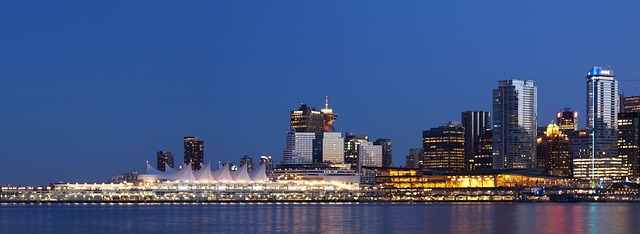
Put the two options on one screen before you decide. Take a seawall-facing room at a downtown Vancouver property and an inland equivalent a few blocks south of Robson, then build each total the same way: nightly rate, taxes, resort or destination fee, parking, and the cancellation window. The gap that matters is not the headline rate — it is the all-in total for the same number of nights, the same bed type, and the same booking channel. If one quote hides a mandatory fee until checkout, that quote is not comparable yet; re-price it with the fee included before you rank anything.
Fill that table from the live booking page, not from a photo or a search snippet. The seawall-view column wins when the room category is contractually tied to a water-facing view and the all-in total lands within your budget after fees and parking. The inland column wins when the view is not guaranteed in writing, when the fee stack pushes the total past what the view is worth to you, or when the cancellation terms are stricter than the trip allows. A room named for the seawall is not the same as a room that guarantees it; check the contract language before you treat the two as equal.
Run the comparison twice: once for a refundable rate and once for a non-refundable rate. If the refundable version of the inland room costs less all-in than the non-refundable seawall room, the inland option usually wins on flexibility alone. If the seawall room's refundable total is close to the inland total, the view is the tiebreaker — but only when the contract confirms it.
Before you commit, re-open both tabs and confirm the totals still match what you wrote down. Rates and availability move; a comparison built on yesterday's numbers is not a comparison. The winner is the option that survives that second check with the same all-in total and the same terms.
Also worth reading Stunning waterfront hotels that Stunning waterfront hotels that The truth about whether you actually
What to do next
| Step | Action | Why it matters |
|---|---|---|
| 1 | Open the property's own booking engine and the third-party listing side by side, and pull the live, complete offer for both the seawall-facing room at the downtown Vancouver property and the inland equivalent a few blocks south of Robson. | The marketing photo and the "from" rate on the search results page are not the offer — the complete quote is, and the loop only works on both sides of the comparison at once. |
| 2 | Record the room type name exactly as the engine prints it, for the seawall option and the inland option alike. | The view entitlement is attached to the printed room category, not to the listing headline, so the exact name is what you are actually buying. |
| 3 | Log the nightly rate and the mandatory charges added at checkout for each option. | Those two fields set the real cost of the night; omitting either one can make the more expensive room look like the better deal. |
| 4 | Normalize both options to a like-for-like total, applying the same set of terms to each side before deciding. | Comparing a stripped seawall total against an inflated inland total — or the reverse — produces the wrong winner, and the whole point of the comparison is the right winner. |
| 5 | Before committing a card, get the seawall view confirmed in writing on the booking confirmation. | A written entitlement is the only version honored at check-in; the photo in the listing is not enforceable. |
| 6 | Commit the card only after both the seawall option and the inland option clear the same three-part loop for your 2026 stay. | Verification works identically on both sides of Robson — consistency, not instinct, is what protects the booking. |
Frequently Asked Questions
Does the verification process differ for a seawall-facing downtown room versus an inland room a few blocks south of Robson?
No — verification works the same way whether you are booking a seawall-facing room at a downtown Vancouver property or an inland equivalent a few blocks south of Robson.
What four fields must I record when capturing the full quote?
Record the room type name exactly as the engine prints it, the nightly rate, the mandatory charges added at checkout, and the cancellation terms attached to that specific rate.
Is a "seawall view" label on a listing page sufficient to guarantee the view?
No — a "seawall view" label on a listing page is not the same as a rate plan that guarantees it; the guarantee lives in the room-type description and the confirmation email.
What should I do if the booking engine will not show the total before payment?
Treat it as an unverified option and keep looking.
How do I confirm the view entitlement in writing before committing a card?
Open the property's own room-type page and confirm the exact category name matches the rate you are buying, then check the confirmation email repeats that same name.
Should I screenshot the room-type description and the confirmation email?
Yes — screenshot both, because the guarantee lives in the room-type description and the confirmation email.
Quick answers
| What should you pull instead of the marketing photo or the “from” rate when verifying a seawall-facing Vancouver room? | You start by pulling the live, complete offer and read it against the same set of terms on both sides of the comparison. |
| What is the three-part verification loop described in the article? | The mechanism is a three-part loop: capture the full quote, normalize it to a like-for-like total, then confirm the view entitlement in writing before you commit a card. |
| How do you check the view clause for a Vancouver waterfront room? | Open the property’s own room-type page and confirm the exact category name matches the rate you are buying, then check the confirmation email repeats that same name. |
| What four fields should you record when capturing the full quote? | Record the room type name exactly as the engine prints it, the nightly rate, the mandatory charges added at checkout, and the cancellation terms attached to that specific rate. |
| What should you do if the booking engine will not show the total before payment? | Treat it as an unverified option and keep looking. |
Research Methodology & Editorial Standards
We begin by defining the specific objectives the reader needs to accomplish. Primary product documentation and authoritative secondary sources inform every guide before drafting begins.
Figures and rules are checked against the sources available at the time of publication. Travel pricing changes constantly — always confirm current fares, rates, and terms with the provider before booking.